Sparkle TV vs TiviMate Premium for Firestick 4K Max: Expert Comparison
Fix No Sound on Channels on Firestick 4K Max using Sparkle TV. Our guide helps you enjoy lag-free live sports in 2026. Try free today!
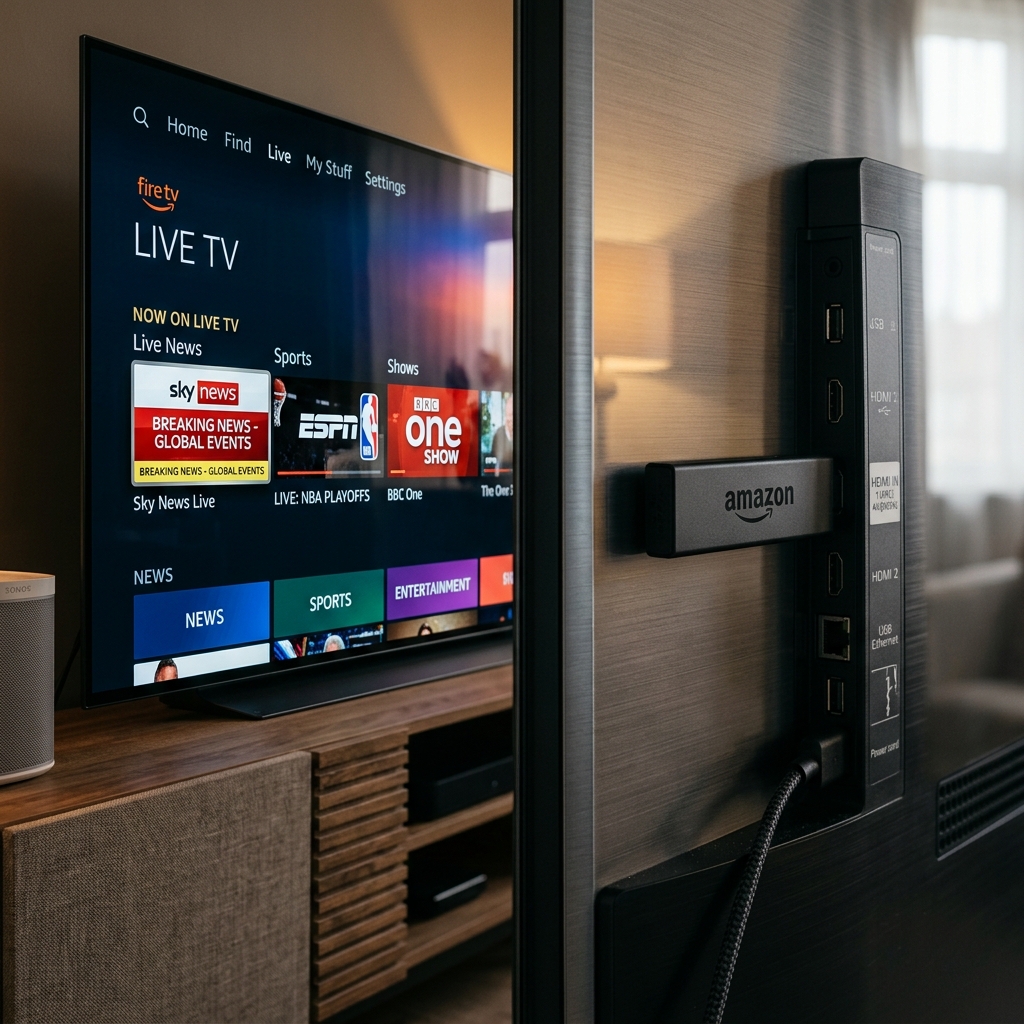
Choosing the right IPTV player can make or break your streaming experience — especially on a powerhouse device like the Firestick 4K Max. In 2026, two names dominate the conversation: Sparkle TV and TiviMate Premium. But which one truly delivers for everyday users who just want flawless, fast streaming?
If you are just getting started, you might want to check out our basic IPTV Firestick Setup Guide.
Here’s the twist most guides miss: you can be fully set up and watching live TV in under 10 minutes — if you pick the right app and the right IPTV provider. This guide cuts through the noise with a myth-busting format to help you make the smartest choice.
What Makes Firestick 4K Max Special?
The Firestick 4K Max supports Wi-Fi 6E, runs on a faster processor than previous generations, and handles 4K HDR + Dolby Vision content natively. That raw power means your IPTV player needs to be optimized to take full advantage — not just playable on it. Read more about why we recommend top-tier hardware in our IPTV vs Cable TV 2026 comparison.
Both Sparkle TV and TiviMate Premium are verified compatible with Firestick 4K Max. But compatibility is just the starting point.
Myth #1: “All IPTV Players Are Basically the Same”
MYTH: Any IPTV app will perform identically on Firestick 4K Max — they just play streams.
REALITY: The player’s architecture, buffer management, and codec support dramatically affect your viewing experience, especially for live sports in 4K.
PROOF: Sparkle TV (v2.2.2, February 2026) features Auto Frame Rate (AFR), multiview support for watching multiple streams simultaneously, DVR scheduling, and a Timeshift feature that lets you pause live TV. TiviMate Premium, by contrast, focuses on a polished channel guide interface, EPG support, and smooth M3U8 Playlists loading — making it excel at navigation but not necessarily at playback flexibility.
Winner: Sparkle TV for power users who need advanced playback. TiviMate Premium for users who prioritize a clean, TV-guide-style experience.
Myth #2: “Setup Takes Hours and Requires Technical Skills”
MYTH: Getting IPTV running on Firestick is complicated and takes a long time.
REALITY: With the right provider and app, you can go from unboxing to watching live channels in under 10 minutes.
PROOF — Your 10-Minute Setup with Sparkle TV:
- Minute 1–2: Open the Amazon App Store on your Firestick 4K Max and search “Sparkle TV.” Install the app directly — no sideloading required.
- Minute 3–4: Launch Sparkle TV and tap “Add New Source.” Select “Playlist (M3U/M3U8)” or “Xtream Codes API” depending on what your IPTV provider offers. If you only have Xtream Codes, read our Xtream Codes API Guide.
- Minute 5–6: Enter your M3U8 Playlists URL or Xtream Codes credentials from your IPTV subscription. Sparkle TV auto-detects channels and EPG.
- Minute 7–8: Wait for the channel list to load. Sparkle organizes channels into categories automatically.
- Minute 9–10: Navigate to your favorite sports or news channel and press play. That’s it — you’re live.
TiviMate Premium follows a similar process but requires installing a companion app (TiviMate Companion) to activate the premium tier, adding a few extra minutes.
READY TO STREAM IN 10 MINUTES?
Get stable, buffer-free IPTV from viperiptv.shop
CLICK HERE — WhatsApp Free Trial: https://wa.me/213797722636
10,000+ channels • 4K HDR • Instant Activation
Myth #3: “Free IPTV Apps Outperform Paid Ones”
MYTH: You don’t need to pay for TiviMate Premium — the free version works just as well.
REALITY: The free version of TiviMate limits you to a single playlist and removes key features like multi-screen streaming, multiple EPG sources, and advanced parental controls. To discover other top apps, you can check our Best IPTV Apps for Smart TV 2026 list.
PROOF: TiviMate Premium unlocks:
- Multiple simultaneous M3U8 Playlists
- Multi-screen streaming — watch different channels on multiple screens at the same time
- DVR recording to external storage
- Password protection and parental lock
Sparkle TV’s Plus tier also unlocks multi-screen streaming via its Multiview feature, favorites sorting, and DVR scheduling — all for a low subscription cost.
Myth #4: “Sound Issues on Firestick Are the IPTV Provider’s Fault”
MYTH: If you get no sound on certain channels, the problem is always your IPTV provider.
REALITY: Sound issues on Firestick 4K Max are frequently caused by audio passthrough settings inside the IPTV app — not the stream itself. For general stream issues, you can also check our Fix IPTV Buffering Guide.
PROOF — How to Fix No Sound on Sparkle TV:
- Go to Settings → Playback inside Sparkle TV
- Set Audio Output to “PCM Stereo” (not “Passthrough”) if your TV doesn’t support Dolby Atmos
- Alternatively, enable “Software Audio Decoder”
- Restart the stream
For TiviMate Premium, go to Settings → Player → Audio Track and switch from “Default” to “Track 1” if audio is missing.
Myth #5: “More Channels = Better IPTV Provider”
MYTH: The best IPTV service is the one advertising the most channels (50,000+).
REALITY: Channel count means nothing if streams buffer, drop, or fail during peak hours. Server uptime, stream stability, and multi-screen streaming support are what matter. Compare top options in our Best IPTV Service 2026 Guide.
PROOF: A provider with 10,000 stable, HD/4K channels on reliable servers will outperform a provider advertising 60,000 channels where half are dead links. Always test with a free trial during a live sports event.
Head-to-Head: Sparkle TV vs TiviMate Premium
| Feature | Sparkle TV (Plus) | TiviMate Premium |
|---|---|---|
| M3U8 Playlists Support | YES - Full | YES - Full |
| Multi-screen Streaming | YES - Multiview | YES - Multi-screen |
| DVR / Recording | YES | YES |
| EPG (TV Guide) | YES - XMLTV | YES - XMLTV |
| Auto Frame Rate | YES | NO |
| Firestick Direct Install | YES - Amazon Store | YES - Amazon Store |
| Interface Style | Modern/Media-rich | Classic TV Guide |
| Best For | Power users/sports | Navigation-focused |
DON’T LET YOUR PROVIDER HOLD YOU BACK
Get stable, buffer-free IPTV from viperiptv.shop
CLICK HERE — WhatsApp Free Trial: https://wa.me/213797722636
4K streams • 10,000+ channels • Works on Sparkle TV & TiviMate
Frequently Asked Questions
❓ Is Sparkle TV better than TiviMate Premium for Firestick?
Answer: It depends on your priority. TiviMate excels in EPG navigation and favorites management, while Sparkle TV is optimized for direct portal-style IPTV access.
❓ Which app has better live sports support?
Answer: Both handle live sports well. TiviMate offers better channel organization and favorites, while Sparkle TV may provide faster initial channel loading.
❓ Can I use both apps on the same Firestick?
Answer: Yes. You can install both Sparkle TV and TiviMate on the same Firestick 4K Max and switch between them depending on your viewing needs.
❓ Which app supports Xtream Codes API?
Answer: Both TiviMate Premium and Sparkle TV support Xtream Codes API login, which is the recommended connection method for premium IPTV providers.
❓ Do these apps work with any IPTV provider?
Answer: Yes. Both apps are universal IPTV players that work with any provider offering Xtream Codes API or M3U playlist access.
---------|--------------------|------------------| | M3U8 Playlists Support | YES - Full | YES - Full | | Multi-screen Streaming | YES - Multiview | YES - Multi-screen | | DVR / Recording | YES | YES | | EPG (TV Guide) | YES - XMLTV | YES - XMLTV | | Auto Frame Rate | YES | NO | | Firestick Direct Install | YES - Amazon Store | YES - Amazon Store | | Interface Style | Modern/Media-rich | Classic TV Guide | | Best For | Power users/sports | Navigation-focused |
DON’T LET YOUR PROVIDER HOLD YOU BACK
Get stable, buffer-free IPTV from viperiptv.shop
CLICK HERE — WhatsApp Free Trial: https://wa.me/213797722636
4K streams • 10,000+ channels • Works on Sparkle TV & TiviMate
Frequently Asked Questions
❓ Is Sparkle TV better than TiviMate Premium for Firestick?
Answer: It depends on your priority. TiviMate excels in EPG navigation and favorites management, while Sparkle TV is optimized for direct portal-style IPTV access.
❓ Which app has better live sports support?
Answer: Both handle live sports well. TiviMate offers better channel organization and favorites, while Sparkle TV may provide faster initial channel loading.
❓ Can I use both apps on the same Firestick?
Answer: Yes. You can install both Sparkle TV and TiviMate on the same Firestick 4K Max and switch between them depending on your viewing needs.
❓ Which app supports Xtream Codes API?
Answer: Both TiviMate Premium and Sparkle TV support Xtream Codes API login, which is the recommended connection method for premium IPTV providers.
❓ Do these apps work with any IPTV provider?
Answer: Yes. Both apps are universal IPTV players that work with any provider offering Xtream Codes API or M3U playlist access.
Ready to Start Streaming?
Get instant access to 40,000+ live channels and 250,000+ movies & series in 4K Ultra HD. Start your free 24-hour trial today.