Best IPTV Apps for Smart TV 2026: Complete Setup & Review Guide
Discover the best IPTV apps for Smart TV in 2026. Step-by-step installation guide for Samsung, LG, Sony, and Android TVs with 4K streaming support.
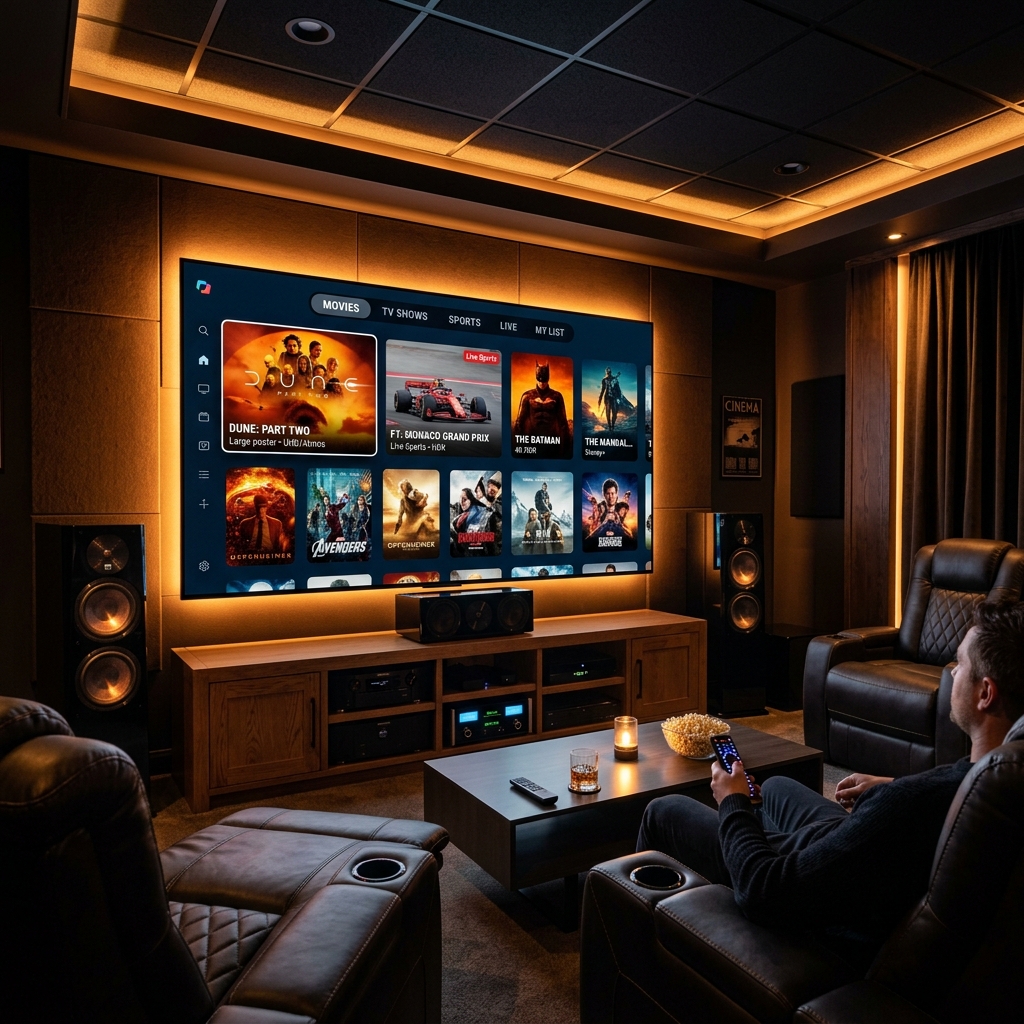
Best IPTV Apps for Smart TV in 2026
Smart TVs have become the primary device for IPTV streaming worldwide. Whether you own a Samsung, LG, Sony, or any Android-based Smart TV, there’s a perfect IPTV app waiting for you.
Top 5 IPTV Apps for Smart TV
1. IPTV Smarters Pro
The most popular IPTV player worldwide. Supports Xtream Codes API, M3U playlists, and offers a clean, intuitive interface.
- Compatibility: Android TV, Samsung (Tizen), LG (WebOS)
- 4K Support: Yes
- EPG Guide: Yes
- Multi-screen: Up to 4 screens
2. TiviMate
Premium IPTV player known for its sleek interface and excellent EPG integration.
- Compatibility: Android TV, Firestick
- 4K Support: Yes
- Catch-up TV: Yes
- Recording: Premium feature
3. GSE Smart IPTV
Versatile player with extensive codec support and flexible playlist management.
- Compatibility: iOS, Android, Smart TV
- 4K Support: Yes
- Chromecast: Supported
4. XCIPTV Player
Modern interface with excellent streaming stability and anti-buffer features.
- Compatibility: Android TV, Firestick
- 4K Support: Yes
- EPG Guide: Yes
5. ViperIPTV Official Player
Our proprietary player built for maximum performance with anti-freeze technology.
- Compatibility: All platforms
- 4K HDR: Full support
- Anti-Freeze: Built-in
How to Install IPTV on Samsung Smart TV
- Open the Samsung App Store on your TV
- Search for IPTV Smarters Pro or Smart IPTV
- Download and install the app
- Open the app and select Login with Xtream Codes API
- Enter your ViperIPTV credentials
- Start streaming 40,000+ channels
How to Install IPTV on LG Smart TV
- Open the LG Content Store
- Search for Smart IPTV or SS IPTV
- Install the app
- Configure with your M3U URL or Xtream Codes
- Enjoy your premium IPTV subscription
Pro Tips for Smart TV IPTV
- Use Ethernet instead of WiFi for the most stable 4K streaming
- Clear app cache weekly for optimal performance
- Update firmware regularly for best compatibility
- Use a VPN if your ISP throttles streaming traffic
Conclusion
Smart TVs provide the best big-screen IPTV experience in 2026. With the right app and a premium IPTV subscription from ViperIPTV, you’ll enjoy 40,000+ channels in stunning 4K Ultra HD.
Need help setting up? Contact our 24/7 WhatsApp support for instant assistance.
Frequently Asked Questions
❓ What is the best IPTV app for Smart TV in 2026?
Answer: IPTV Smarters Pro and TiviMate are the top-rated choices in 2026. Both support Xtream Codes API, EPG guides, and 4K streaming on most smart TV platforms.
❓ Can I install IPTV apps on Samsung Tizen TV?
Answer: Yes. Several IPTV apps like IPTV Smarters Pro and Smart IPTV are compatible with Samsung Tizen TVs and can be installed directly from the app store or via sideloading.
❓ Do IPTV apps work on LG WebOS?
Answer: Yes. Apps like GSE Smart IPTV and SS IPTV are available on LG WebOS and support playlist loading via Xtream Codes API or M3U URLs.
❓ Is a VPN needed for IPTV on Smart TV?
Answer: A VPN is recommended to prevent ISP throttling and improve stream stability, especially during peak hours or live sports events.
❓ How do I set up an IPTV app on my Smart TV?
Answer: Download the app from your TV app store, then enter your IPTV provider credentials (server URL, username, password) using Xtream Codes API for the smoothest experience.
Ready to Start Streaming?
Get instant access to 40,000+ live channels and 250,000+ movies & series in 4K Ultra HD. Start your free 24-hour trial today.