Top IPTV Providers in USA & Canada: Buffer-Free on Samsung Smart TV
Fix ISP Throttling on Samsung Smart TV using Net IPTV. Our guide helps you get stable streams 24/7 in 2026. Get started now!
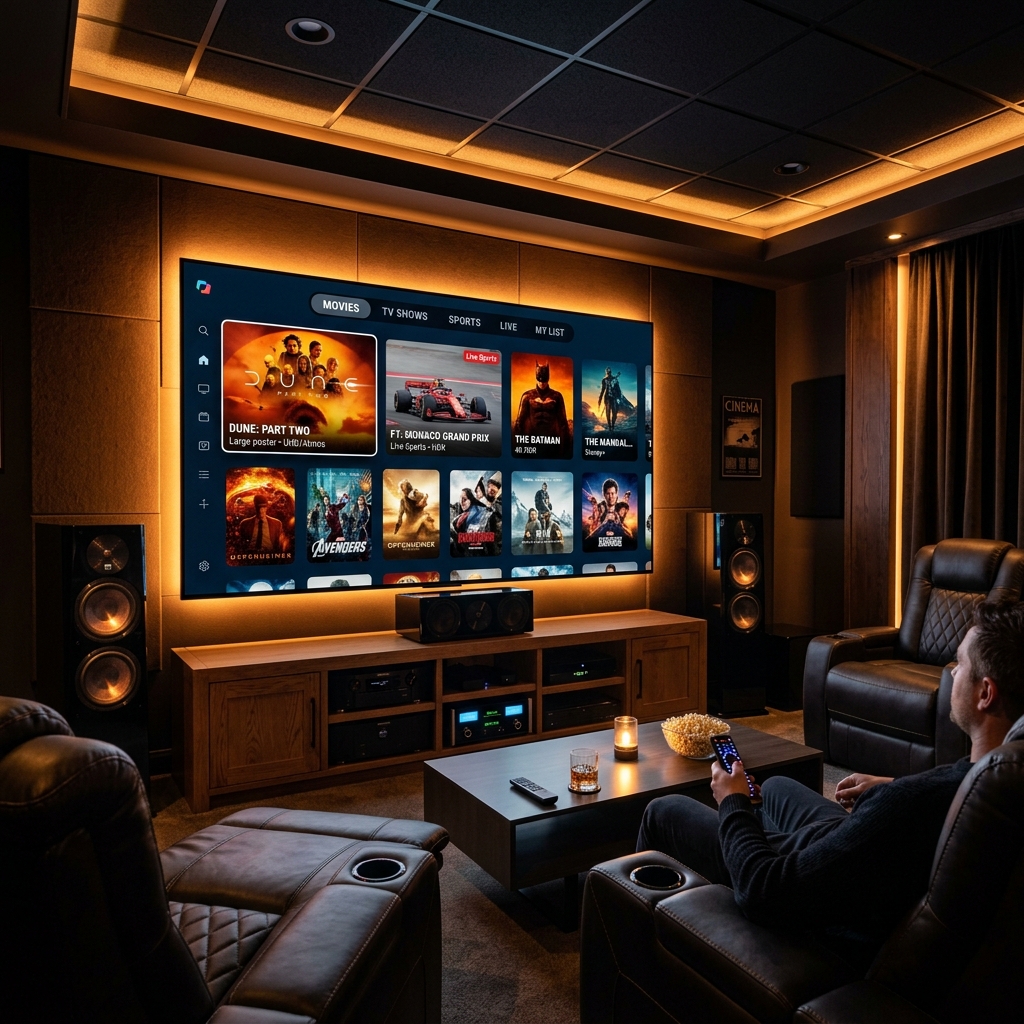
ISP throttling in the USA and Canada is not a conspiracy theory — it’s a documented, confirmed, ongoing practice by Comcast, AT&T, Verizon, Rogers, Bell, and Shaw. If your Samsung Smart TV streams buffer at 7 PM on a Saturday but run perfectly at 2 AM on a Tuesday, ISP throttling is almost certainly the cause. Check our Fix IPTV Buffering Guide for global context.
This guide gives you the top 5 tips for running Net IPTV on Samsung Smart TV with full buffer-free performance in 2026 — and debunks the IPTV myths that keep North American households stuck on cable bills they can’t afford. Compare features on Samsung with other TVs using our Best IPTV Apps for Smart TV 2026 guide.
Tip 1: Fix ISP Throttling with Samsung Smart TV DNS Configuration
MYTH: “If IPTV buffers on my Samsung TV, it must be the IPTV service that’s bad.”
REALITY: The buffering is almost never caused by your provider’s content — it’s caused by your ISP identifying IPTV traffic and throttling its bandwidth allocation. The stream exists and is playing correctly on the provider’s server. Your ISP is squeezing the pipe between that server and your TV.
HOW TO FIX IT:
Samsung Tizen OS supports manual DNS configuration — change it to Cloudflare’s 1.1.1.1 to bypass ISP DNS-level throttling:
- Samsung TV Remote → Settings → General → Network → Network Status → IP Settings
- DNS Setting → Enter Manually
- DNS Server: 1.1.1.1
- Press OK → relaunch Net IPTV
For ISPs that use deep packet inspection (not just DNS throttling — common with Comcast and Bell Canada), add a router-level VPN: configure NordVPN or ExpressVPN on your router firmware. All Samsung TV traffic routes through the VPN automatically.
Tip 2: Install Net IPTV Correctly on Samsung Smart TV
MYTH: “IPTV apps are complicated to install on Samsung — you need developer mode.”
REALITY: Net IPTV is available directly from Samsung’s official Tizen App Store. No developer mode, no sideloading, no workarounds needed.
CORRECT INSTALLATION STEPS:
- Press Smart Hub on your Samsung remote → Apps → Search
- Type “Net IPTV” → select the app → Download
- Launch Net IPTV → tap “Add Playlist”
- Choose connection type:
- M3U URL: paste your provider link
- Xtream Codes: enter server URL, username, password (see Xtream Codes API Guide)
- Tap Load → your full channel list imports automatically
- Go to Settings → EPG → add your provider’s XMLTV URL for full Catch-Up TV programme guide
BONUS: Net IPTV remembers your last-watched channel on Samsung TV — press the Home button and relaunch to resume instantly.
Tip 3: Configure EPG Support and Catch-Up TV for North American Viewing
MYTH: “IPTV doesn’t have proper TV guides — you just get a raw channel list.”
REALITY: Net IPTV with a quality provider’s EPG Support delivers a complete TV guide with multi-day schedules, channel logos, programme descriptions, and Catch-Up TV access — identical to a cable TV guide experience.
NORTH AMERICAN EPG SETUP:
- In Net IPTV, go to Settings → EPG → XMLTV URL → enter your provider’s link
- Confirm EPG data shows US/Canadian channel schedules: NFL Sunday Ticket times, NHL game listings, NBA schedules, primetime network TV (ABC, NBC, CBS, Fox, CTV, CBC)
- Enable Catch-Up TV: channels with the clock icon (⏱) in Net IPTV support time-shifted viewing — access any broadcast from the past 24–72 hours
- Set EPG refresh to every 12 hours for sporting event schedule accuracy — NFL and NHL schedules update frequently
For USA & Canada users, Catch-Up TV eliminates the need for a DVR subscription. Watch Sunday Night Football Monday morning. Watch an NHL overtime game you missed. No recording equipment required.
READY FOR BUFFER-FREE IPTV ON YOUR SAMSUNG IN THE USA & CANADA?
Get stable, buffer-free IPTV from viperiptv.shop
CLICK HERE — WhatsApp Free Trial: https://wa.me/213797722636
EPG Support | Catch-Up TV | Net IPTV | Samsung Smart TV | 4K HDR
Tip 4: Choose a Provider with North American Server Infrastructure
MYTH: “All IPTV providers are the same — just pick the cheapest one.”
REALITY: Server geography determines your stream quality as much as your internet connection does. A provider running servers in Europe delivers USA and Canadian streams with 80–150ms additional latency compared to a provider with North American server nodes. During live sports, this latency difference manifests as buffering during high-action sequences — precisely when you need streams to be stable.
WHAT TO LOOK FOR:
- Ask your provider explicitly: “Do you have server nodes in the USA or Canada?”
- Confirm dedicated sports server capacity for NFL, NBA, NHL, UFC, and MLS events
- Channels that should be included for USA & Canada subscribers: ESPN, ESPN2, NFL Network, NBA TV, NHL Network, Fox Sports, NBCSN, TNT Sports, TSN, Sportsnet, CBC, CTV, Global
- EPG Support for US/Canadian channels specifically — not just European EPG data
- Test with a free trial during a live peak-hour sporting event before paying
Tip 5: Use Net IPTV’s Multi-Device Capability for Your Whole Household
MYTH: “One IPTV subscription only works on one TV.”
REALITY: Premium IPTV subscriptions in 2026 include 2–4 simultaneous connections, allowing every device in your household to stream different channels simultaneously under a single plan.
HOUSEHOLD MULTI-DEVICE SETUP:
- Samsung Smart TV (living room): Net IPTV → main channel list + Catch-Up TV
- Bedroom TV (Samsung or other brand): Net IPTV or compatible app → personal favourites list
- MacBook / Windows laptop: IPTV Smarters Pro or Flix IPTV → for portable viewing
- iPhone / Android phone: Smarters Pro mobile app → for on-the-go viewing
- All devices connected under one subscription at $15–$18/month for a 4-connection family plan
Annual household cost: $180–$216 versus $1,200–$2,400 for a comparable multi-room cable package in the USA or Canada. Discover how fast a family plan pays for itself in our IPTV vs Cable TV 2026 review.
Frequently Asked Questions
❓ Is IPTV worth buying for Samsung Smart TV in the USA & Canada in 2026?
Answer: Yes — Net IPTV on Samsung Smart TV delivers 10,000+ channels including all major US/Canadian sports networks with full EPG Support and Catch-Up TV for $10–$18/month. Cable TV in the USA and Canada averages $80–$150/month for fewer channels with no Catch-Up TV — IPTV saves the average North American household $800–$1,600 annually.
❓ What should I look for in a North American IPTV provider for Samsung Smart TV?
Answer: Prioritize providers with dedicated USA or Canadian server infrastructure, US/Canadian sports channels (NFL, NBA, NHL, MLB, UFC), full EPG Support with accurate North American programme scheduling, Catch-Up TV for missed games and primetime broadcasts, and a free trial during a live sports event. Net IPTV compatibility (M3U or Xtream Codes) is mandatory.
❓ How much does a premium IPTV subscription cost for Samsung Smart TV in the USA?
Answer: Premium IPTV subscriptions for Samsung Smart TV via Net IPTV cost $10–$18/month in the USA and Canada, with family plans at $15–$18/month for 4 simultaneous connections. Annual plans reduce costs to $60–$120/year — compared to the average US cable bill of $960–$1,800 per year.
❓ Can I get a free trial for IPTV on my Samsung Smart TV?
Answer: Yes — contact viperiptv.shop via WhatsApp to request a free trial with M3U or Xtream Codes credentials for Net IPTV on your Samsung Smart TV. Test EPG Support accuracy, Catch-Up TV functionality, and live sports server stability during a US/Canadian sporting event before subscribing.
❓ Does Net IPTV support 4K and EPG on Samsung Smart TV?
Answer: Yes — Net IPTV fully supports 4K HDR via Samsung Tizen’s native HEVC hardware decoder and complete XMLTV EPG Support on Samsung Smart TV. If EPG Not Loading occurs, change your Samsung DNS to 1.1.1.1 in Network Settings to bypass ISP DNS blocks, then force-refresh the EPG in Net IPTV settings.
SAMSUNG + NET IPTV = THE USA & CANADA CABLE KILLER
Get stable, buffer-free IPTV from viperiptv.shop
CLICK HERE — WhatsApp Free Trial: https://wa.me/213797722636
EPG Support | Catch-Up TV | Net IPTV | Samsung Smart TV | USA & Canada
Ready to Start Streaming?
Get instant access to 40,000+ live channels and 250,000+ movies & series in 4K Ultra HD. Start your free 24-hour trial today.