Channel Freezing on Apple TV 4K? Here's the Powerful Solution
The powerful IPTV guide for Apple TV 4K. Discover how to set up IPTV from scratch and cancel expensive cable subscriptions. Start watching instantly!
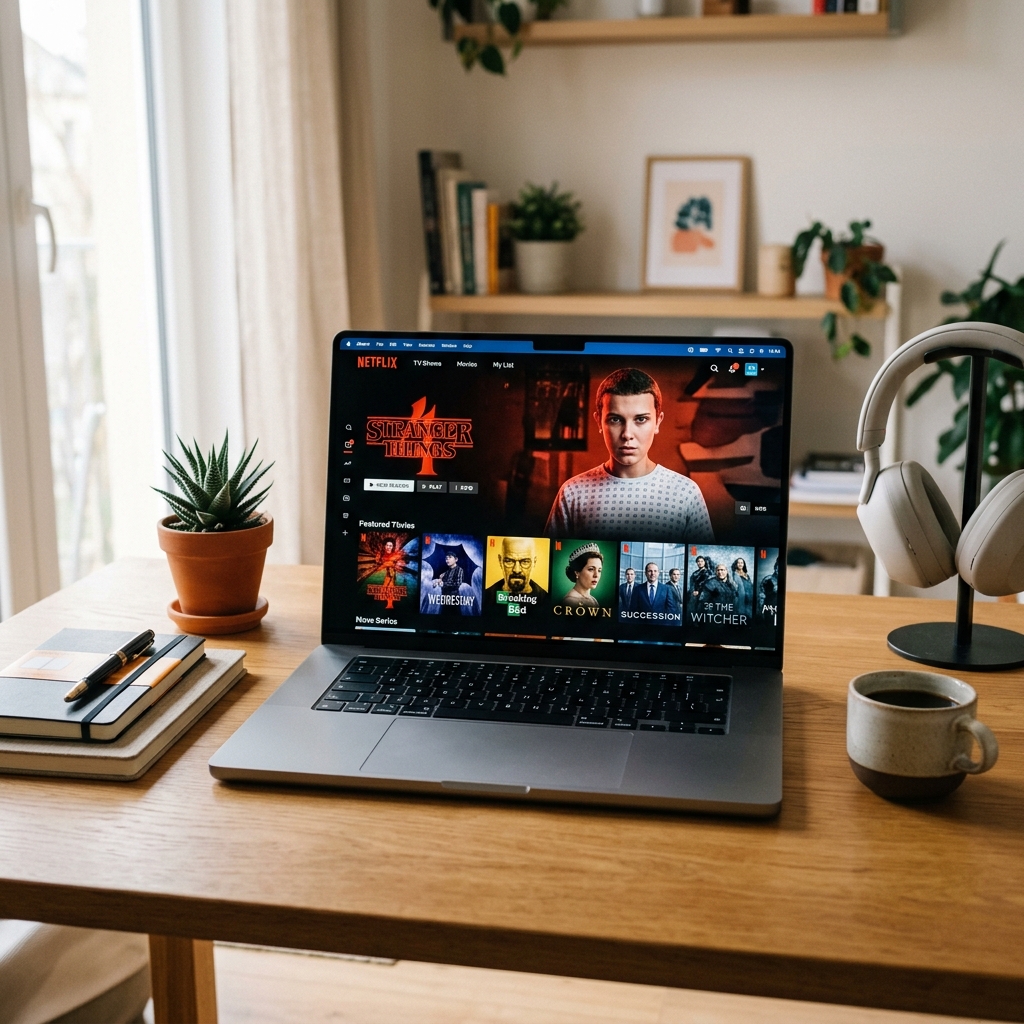
If channels are freezing on your Apple TV 4K while using IPTV, you’re experiencing one of the most commonly misdiagnosed streaming problems of 2026. Most users blame Apple TV. Some blame their internet. A few blame their IPTV provider. In reality, channel freezing on Apple TV 4K has specific, fixable causes — and this guide walks through all of them using the most powerful IPTV player available for the platform: IPTV Smarters Pro. Want to make sure your provider checks out first? See our Best IPTV Service 2026 review.
But before the fixes, let’s clear the air. There are five pervasive myths about IPTV on Apple TV 4K that cause users to make wrong decisions — spending money unnecessarily or giving up on IPTV entirely.
5 IPTV Myths on Apple TV 4K — Busted
MYTH 1: “Apple TV 4K Is Not Compatible with IPTV” Reality: Apple TV 4K is fully IPTV compatible via the App Store. IPTV Smarters Pro is available directly from the Apple App Store — no jailbreaking, no developer certificates, no sideloading. It installs in 60 seconds and supports M3U playlists, Xtream Codes API, and Stalker Portal connections out of the box. Check other platforms in Best IPTV Apps for Smart TV 2026.
MYTH 2: “Channel Freezing Means My Internet Is Too Slow” Reality: An Apple TV 4K user with a 100 Mbps connection who experiences freezing does not have a speed problem. A 4K IPTV stream uses approximately 25–40 Mbps. Channel freezing is almost always caused by packet loss — not bandwidth — caused by ISP throttling, Wi-Fi interference, or provider server instability. For other fixes, read Fix IPTV Buffering Guide. The test: Run a speed test during a freeze event. If the speed test shows full bandwidth during the freeze, your speed is not the problem. Switch from Wi-Fi to Ethernet and the freezing will typically stop immediately.
MYTH 3: “IPTV Resellers Are Unreliable and Should Be Avoided” Reality: The term IPTV Reseller describes a provider who licenses server capacity from a larger infrastructure operator — exactly the same model used by mobile phone virtual network operators (MVNOs). A reputable IPTV Reseller with proper server agreements delivers identical stream quality to a direct provider, often at lower cost. What matters is uptime, support quality, and server capacity.
MYTH 4: “Stalker Portal Is Outdated Technology” Reality: Stalker Portal (Ministra middleware) remains the dominant IPTV delivery infrastructure for professional-grade services in 2026. It offers device-level authentication via MAC address, superior channel organization, and a structured VOD catalog that flat M3U playlists cannot replicate. IPTV Smarters Pro’s full Stalker Portal integration means Apple TV 4K users benefit from this enterprise-grade infrastructure directly.
MYTH 5: “Paying More for IPTV Means Better Quality” Reality: IPTV pricing has no correlation with stream quality above a certain threshold. The metric that predicts quality is concurrent user capacity — how many subscribers share each server node — not the price tag. This is exactly why testing with a free trial during a live high-traffic event is the only reliable quality signal before subscribing.
IPTV Smarters Pro on Apple TV 4K: Pros and Cons
PROS:
-
Native App Store Availability No sideloading, no developer accounts. IPTV Smarters Pro installs directly from the App Store in under 60 seconds.
-
Xtream Codes + M3U + Stalker Portal Support All three major IPTV delivery formats supported in a single app — critical for users who want flexibility to switch providers or test multiple services.
-
Apple TV 4K Hardware Optimization IPTV Smarters Pro leverages Apple TV 4K’s hardware video decoder for HEVC (H.265) and AV1 streams, enabling true 4K HDR playback with minimal CPU overhead.
-
Full EPG Integration XMLTV-based program guide with channel logos, show descriptions, and schedule data.
-
VOD + Series Organization On-demand movies and TV series are organized in a Netflix-style interface with metadata, thumbnails, and episode tracking.
CONS:
-
Apple TV Remote Navigation IPTV Smarters Pro’s interface was designed for touchscreen or mouse navigation. The Apple TV Siri Remote’s swipe-based input can feel imprecise when scrolling through large channel lists. A Bluetooth keyboard or the Apple TV Remote app on iPhone significantly improves the experience.
-
App Store Availability May Vary by Region In some App Store regions, IPTV-related apps face periodic availability restrictions. If IPTV Smarters Pro is unavailable in your regional App Store, switching your App Store country to the US or UK via Apple ID settings resolves this.
-
No Background Playback Like all Apple TV apps, IPTV Smarters Pro cannot play audio in the background when you switch to another app.
-
IPTV Reseller Provider Dependency IPTV Smarters Pro is a player, not a content source. Its performance ceiling is defined entirely by your IPTV provider’s infrastructure.
UNLOCK YOUR APPLE TV 4K’S FULL POTENTIAL
Get stable, buffer-free IPTV from viperiptv.shop
CLICK HERE — WhatsApp Free Trial: https://wa.me/213797722636
IPTV Smarters Pro Compatible | Stalker Portal Support | 4K HDR | No Freezing
Fixing Channel Freezing on Apple TV 4K: Complete Guide
Fix 1 — Switch from Wi-Fi to Ethernet: Apple TV 4K has a USB-C port that supports Ethernet via a USB-C to Ethernet adapter. A wired connection eliminates all Wi-Fi-related packet loss — the primary cause of channel freezing.
Fix 2 — Clear IPTV Smarters Pro Cache: Go to Apple TV Settings → Apps → IPTV Smarters Pro → Clear Cache. App cache corruption causes persistent freezing on specific channels even when the stream itself is healthy.
Fix 3 — Switch Player Engine: In IPTV Smarters Pro, go to Settings → Player and switch between the native player and alternative player options. Some channels encode in formats that perform better on one player than another.
Fix 4 — Check Provider Server Load: If freezing occurs only on specific channels or only during peak hours, the provider’s server for those channels is overloaded. Contact your provider to request an alternate server URL for affected channels.
Fix 5 — Reconnect via Stalker Portal Instead of M3U: If you’re currently using M3U mode, ask your IPTV Reseller or provider for Stalker Portal credentials. The Stalker Portal connection in IPTV Smarters Pro uses more robust stream authentication and typically delivers more stable connections than raw M3U links.
Fix 6 — Update tvOS and App: Ensure Apple TV is running the latest tvOS version (Settings → System → Software Updates) and that IPTV Smarters Pro is updated via the App Store.
Frequently Asked Questions
Q1: What is the best IPTV app for Apple TV 4K in 2026? Answer: IPTV Smarters Pro is the best IPTV app for Apple TV 4K in 2026, available directly from the App Store without jailbreaking. It supports M3U playlists, Xtream Codes, and Stalker Portal — all three major IPTV formats — and leverages Apple TV 4K’s hardware decoder for smooth 4K HDR playback.
Q2: How do I set up IPTV Smarters Pro on Apple TV 4K from scratch? Answer: Search “IPTV Smarters Pro” in the Apple TV App Store and install it. Open the app, select “Add New User,” and choose your login method — Xtream Codes for username/password login, M3U URL for playlist import, or Stalker Portal for middleware-based authentication. Enter your provider credentials and the app loads your full channel list automatically.
Q3: Why do channels keep freezing on Apple TV 4K with IPTV? Answer: Channel freezing on Apple TV 4K is most commonly caused by Wi-Fi packet loss, ISP throttling, or overloaded provider servers — not the device itself. Connect via Ethernet using a USB-C to Ethernet adapter, clear the IPTV Smarters Pro app cache, and verify that your provider has dedicated servers for live sports during peak traffic events.
Q4: What is the difference between an IPTV Reseller and a direct IPTV provider? Answer: An IPTV Reseller licenses streaming infrastructure from a larger operator and provides it to end users — similar to an MVNO in mobile telecommunications. A reputable reseller with proper service agreements delivers identical stream quality to a direct provider, often with better pricing and customer support. The key metric is uptime and server capacity, not whether the provider is technically a reseller.
Q5: How do I get a free IPTV trial for Apple TV 4K? Answer: Contact viperiptv.shop via WhatsApp to request a free trial. You’ll receive Xtream Codes or M3U credentials to enter into IPTV Smarters Pro on your Apple TV 4K. Test the service during a live sports broadcast to evaluate stream stability, 4K quality, and channel-freeze resistance under real load conditions.
NO MORE FROZEN STREAMS ON APPLE TV 4K
Get stable, buffer-free IPTV from viperiptv.shop
CLICK HERE — WhatsApp Free Trial: https://wa.me/213797722636
IPTV Smarters Pro | Stalker Portal | IPTV Reseller Quality | 4K HDR
Ready to Start Streaming?
Get instant access to 40,000+ live channels and 250,000+ movies & series in 4K Ultra HD. Start your free 24-hour trial today.