Best IPTV Setup for Generic Android TV Box in USA & Canada (2026)
The in-depth IPTV guide for Generic Android TV Box in USA & Canada. Discover how to install and configure a VPN for IPTV and enjoy lag-free live sports. Try...
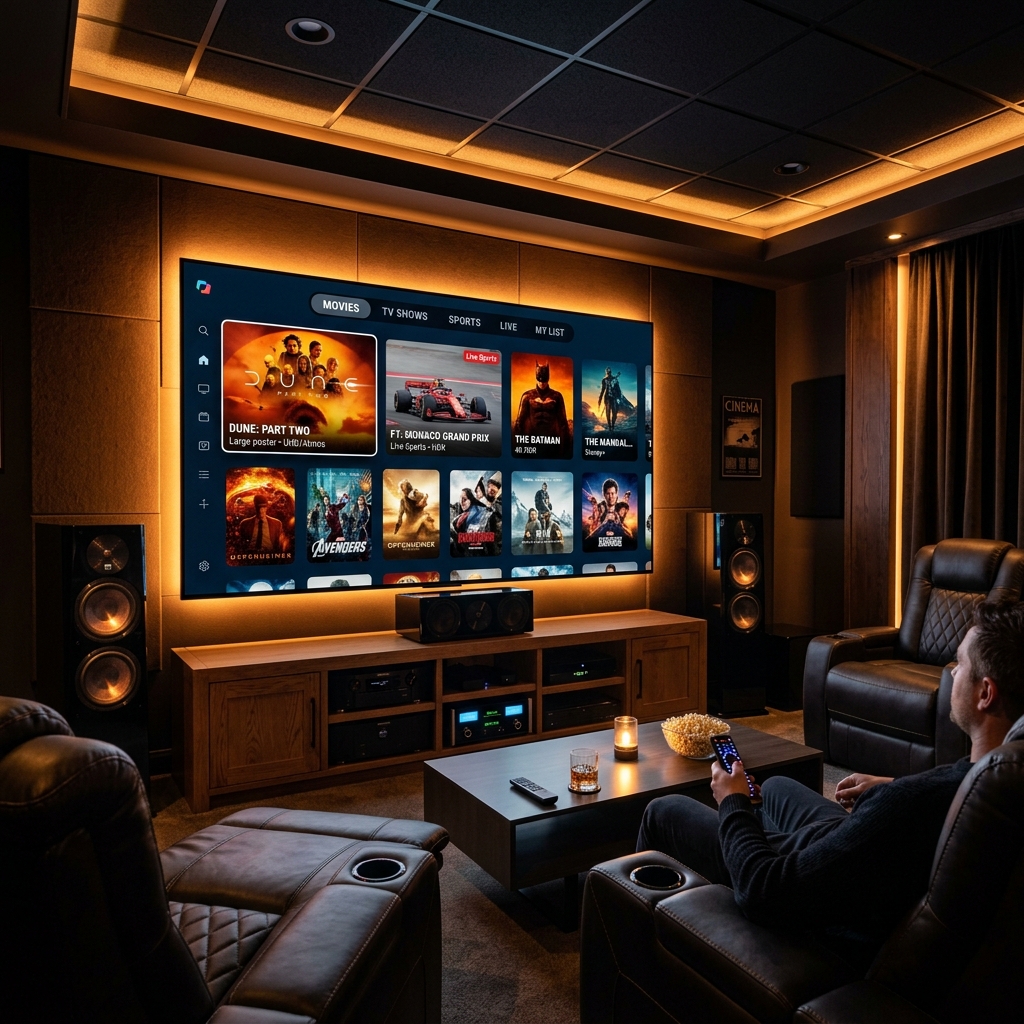
Generic Android TV Boxes — X96 Max, H96 Pro, MX10, TX9 Pro, and hundreds of similar models — are the most democratically accessible IPTV hardware in North America. At $25–$60 from Amazon, they turn any TV into a full streaming terminal. Sparkle TV, paired with a quality IPTV subscription and proper VPN Bypass configuration, unlocks their complete potential: Catch-Up TV, 4K HDR sports, multi-room streaming, and full ISP throttling bypass for USA and Canadian households. Looking for alternative apps? Read our Best IPTV Apps for Smart TV 2026.
This guide is structured as a technical checklist — every configuration decision, every optimization setting, and every VPN Bypass step documented in sequence.
Pre-Installation Technical Checklist
Before installing Sparkle TV, confirm your Android TV Box environment:
Hardware Verification:
- Android TV Box running Android 9.0 or higher (check: Settings → About → Android Version)
- Minimum 2GB RAM, 16GB storage (check: Settings → About → Memory)
- Processor: Amlogic S905X3 or higher for 4K HDR decode (S905X2 and below = HD only)
- HDMI cable confirmed HDMI 2.0 or later — required for 4K/60Hz pass-through
- Ethernet connection preferred: use USB to Ethernet adapter if box has no LAN port
- If using Wi-Fi: connect to 5GHz band, not 2.4GHz — 2.4GHz introduces packet loss during high-bitrate 4K streams
Network Configuration:
- Confirm broadband speed: 25 Mbps minimum for 4K, 10 Mbps for HD (test at fast.com)
- Router DNS changed to 1.1.1.1 (Cloudflare): Router admin panel → DNS → 1.1.1.1 primary, 1.0.0.1 secondary
- This is the single most impactful configuration for USA/Canadian ISP throttling bypass at the network level
- If router DNS change is not possible: install 1.1.1.1 app on Android TV Box via Google Play Store → enable DNS-over-HTTPS
VPN Bypass Configuration (USA & Canada — Critical):
- Open Google Play Store on your Android TV Box
- Install NordVPN, ExpressVPN, or Surfshark (all have Android TV-optimized builds)
- Log in and connect to nearest USA/Canadian VPN server BEFORE launching Sparkle TV
- Verify VPN shows “Connected” status
- VPN Bypass explanation: Comcast, AT&T, Verizon, Rogers, Bell, and Shaw use deep packet inspection to throttle video streaming traffic. VPN Bypass encrypts all traffic — the ISP classifies it as generic encrypted data, not streaming, and cannot throttle it selectively. (See our ISP Blocking Bypass Guide)
- Enable VPN Kill Switch in your VPN app settings — prevents IP exposure if VPN drops during a live game
Sparkle TV Installation Checklist
- Open Google Play Store on Android TV Box → search “Sparkle TV”
- Install — download completes in under 60 seconds on standard broadband
- Launch Sparkle TV
- Tap “Add Playlist” on the welcome screen
- Select connection type:
- Xtream Codes (Recommended): enter server URL, username, password from your provider
- M3U URL: paste your provider’s M3U link directly
- Tap Load — channel list imports in 30–90 seconds
- Navigate to Settings → EPG → add your provider’s XMLTV URL for the TV guide
- Set EPG auto-refresh to every 12 hours — US/Canadian sports schedules update frequently
Catch-Up TV Configuration Checklist
Catch-Up TV is the feature that most differentiates a quality IPTV subscription from a basic channel list. It provides time-shifted access to broadcasts from the past 24–72 hours — no DVR hardware required:
- In Sparkle TV, channels supporting Catch-Up TV display a clock icon (⏱) in the channel list
- To access: long-press a channel with the clock icon → select “Catch-Up” or “Archive”
- A timeline appears showing available recordings from the past 24–72 hours
- Confirm your provider offers Catch-Up TV before subscribing — ask via WhatsApp trial request
- Catch-Up TV use cases for USA & Canada:
- Missed the Sunday Night Football game → watch Monday morning at full quality
- NHL overtime ran past your bedtime → watch the next morning
- NBA playoff game aired during work hours → watch in the evening
- Monday Night Raw or PPV events → watch without purchasing replay access
- Verify Catch-Up TV functions during your free trial — it requires specific server-side support that not all providers implement
4K HDR Optimization Checklist (Amlogic S905X3 and Higher)
- Launch Sparkle TV → Settings → Player → Video Decoder → select “Hardware (HW+)”
- Go to Android TV Box Settings → Display → Resolution → set to 4K (3840x2160) if not already
- Enable HDR output: Settings → Display → HDR → Auto or Force HDR (model-dependent)
- Confirm TV is set to “HDMI UHD Color” or “Enhanced Format” on the connected HDMI port (Samsung), “Deep Color” (LG), or “Enhanced Signal” (Sony)
- In Sparkle TV Settings → Stream: enable “Auto Bitrate” — Sparkle TV reduces quality temporarily during network fluctuations instead of buffering
- Set Buffer Duration: Settings → Player → Buffer → 8000ms (8 seconds) for sports; 5000ms for VOD viewing
- Enable “Auto Reconnect” in Settings → Stream with 3-second delay
TECHNICAL SETUP DONE — NOW GET A PROVIDER WORTHY OF YOUR HARDWARE
Get stable, buffer-free IPTV from viperiptv.shop
CLICK HERE — WhatsApp Free Trial: https://wa.me/213797722636
Catch-Up TV | VPN Bypass | Sparkle TV | Android TV Box | USA & Canada
VPN Bypass Deep Technical Guide
For advanced users who need complete VPN Bypass control on Generic Android TV Box:
Split Tunneling (Selective VPN Bypass): Most premium VPN apps for Android TV support split tunneling — route only Sparkle TV through the VPN, while other apps use the direct connection. This reduces VPN overhead for apps that don’t require throttling bypass:
- Open your VPN app → Settings → Split Tunneling
- Add Sparkle TV to the VPN-included apps list
- Add your browser and other apps to the excluded list
- Sparkle TV now routes exclusively through the VPN tunnel
Protocol Selection for Stability:
- In VPN settings, set protocol to WireGuard (lowest latency, highest throughput — ideal for 4K streams)
- Fallback: OpenVPN UDP if WireGuard is unavailable on your router or ISP
- Avoid OpenVPN TCP for streaming — TCP overhead increases latency and causes audio sync drift on live channels
Server Selection:
- Connect to a VPN server in the same country as your IPTV provider’s server infrastructure
- Ask your provider (viperiptv.shop via WhatsApp): “What country are your servers in?” — then select the closest VPN exit server to that location
- For USA providers: connect to a US VPN server. For European providers: connect to a UK or Netherlands server
- Avoid “automatic” VPN server selection — it may route you through a server 200ms away from your provider’s infrastructure
North American Content Verification Checklist
After completing setup, verify these channels play in HD or 4K with zero buffering:
USA Sports (must test during live game, not pre-game):
- ESPN, ESPN2, ESPN3
- NFL Network, NFL RedZone
- NBA TV, NHL Network, MLB Network, NFL Network
- Fox Sports 1 (FS1), Fox Sports 2 (FS2)
- BeIN Sports, DAZN simulcast channels
- UFC Fight Pass simulcast (major fight nights)
Canadian Sports:
- TSN 1, 2, 3, 4, 5
- Sportsnet, Sportsnet 360, Sportsnet One, Sportsnet World
- CBC Sports, TVA Sports
Entertainment:
- US Networks: ABC, NBC, CBS, Fox (local affiliate versions)
- Canadian: CTV, Global, City TV, CBC
- Premium: HBO Max, Showtime simulcast, Starz simulcast
Catch-Up TV Test:
- Select a major sports channel → long-press → verify Catch-Up TV archive appears with timestamps
Frequently Asked Questions
❓ Is IPTV worth buying for Generic Android TV Box in the USA & Canada in 2026?
Answer: Yes — Sparkle TV on a Generic Android TV Box delivers Catch-Up TV, 4K HDR North American sports, and VPN Bypass-protected streams for $10–$18/month, versus cable TV averaging $80–$150/month. The hardware investment is $25–$60 one-time, and annual IPTV costs of $120–$216 replace a $960–$1,800 annual cable bill — saving $800–$1,600 per year.
❓ What should I look for in an IPTV provider for Generic Android TV Box in USA & Canada?
Answer: Prioritize providers with Xtream Codes API credentials for full Sparkle TV integration, Catch-Up TV with 24–72 hour archives, VPN Bypass compatibility (confirmed whitelist for major VPN exit IPs), dedicated North American sports server nodes, and a free trial tested during a live NFL or NBA game. Catch-Up TV functionality and VPN Bypass support separate quality direct providers from resellers.
❓ How much does a premium IPTV subscription cost for Generic Android TV Box?
Answer: Premium IPTV subscriptions for Generic Android TV Box via Sparkle TV cost $10–$18/month in the USA and Canada, with family plans at $15–$18/month for 4 simultaneous connections. Annual plans reduce this to $60–$120/year — combined with a $25–$60 one-time Android TV Box purchase, first-year total IPTV cost is $85–$180 versus $960–$1,800 for cable TV.
❓ Can I get a free trial before paying for IPTV on my Generic Android TV Box?
Answer: Yes — contact viperiptv.shop via WhatsApp to request a free trial with Xtream Codes API or M3U credentials for Sparkle TV on your Generic Android TV Box. Configure VPN Bypass first, then test Catch-Up TV, 4K HDR stream stability on US sports channels, and channel switching speed during peak Saturday or Sunday evening hours before subscribing.
❓ Does Sparkle TV support Catch-Up TV and 4K EPG on Generic Android TV Box?
Answer: Yes — Sparkle TV supports Catch-Up TV (time-shifted archive access via long-press on supported channels), 4K HDR via hardware decoder on Amlogic S905X3 or higher processors, and full XMLTV EPG integration on Generic Android TV Box. Enable Hardware Decoder in Sparkle TV Settings → Player, configure VPN Bypass before launch, and confirm your provider supports Catch-Up TV during your free trial.
YOUR ANDROID TV BOX IS READY — CONFIGURE IT IN UNDER 20 MINUTES
Get stable, buffer-free IPTV from viperiptv.shop
CLICK HERE — WhatsApp Free Trial: https://wa.me/213797722636
Catch-Up TV | VPN Bypass | Sparkle TV | Android TV Box | USA & Canada
Ready to Start Streaming?
Get instant access to 40,000+ live channels and 250,000+ movies & series in 4K Ultra HD. Start your free 24-hour trial today.